Segmind

Portkey + Segmind
import base64
import io
from PIL import Image
import matplotlib.pyplot as plt

def display_image(image):
  # Assuming your data is stored in a variable named `response_data`
  response_data = image.data
  print(response_data)

  # Extract the base64-encoded image data  (This if condition is only if we fallback to Dall-E as dall e doesn't provide b64_json instead it gives the direct url)
  if (response_data[0].url):
    print(response_data[0].url)
  else:
    b64_image_data = response_data[0].b64_json

    # Decode the base64-encoded image data
    image_data = base64.b64decode(b64_image_data)

    # Convert the decoded image data into a PIL image object
    image = Image.open(io.BytesIO(image_data))

    # Display the image using Matplotlib
    plt.imshow(image)
    plt.axis('off')  # Hide axis
    plt.show()
快速入门
使用 OpenAI 客户端
使用 Portkey 客户端
Optional 高级路由 - 后备
Optional 高级路由 - 后备监控您的请求
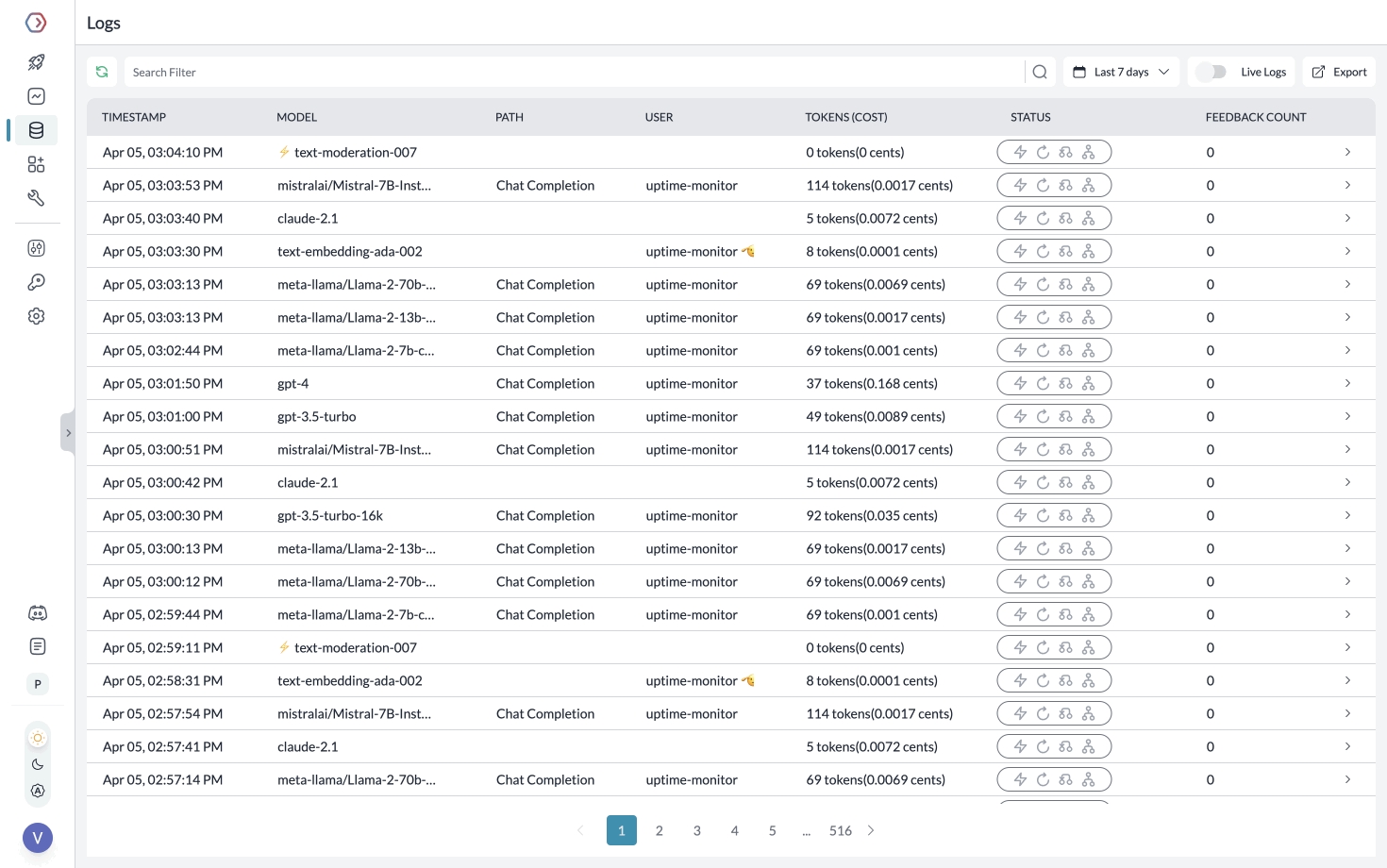
使用 Portkey,您可以监控您的 Segmind 请求,并跟踪令牌、成本、延迟等信息。
Last updated